Sort Them Ducks Upgrade Planner Tool
A ticked version of the buy list. Carry still sits on top.
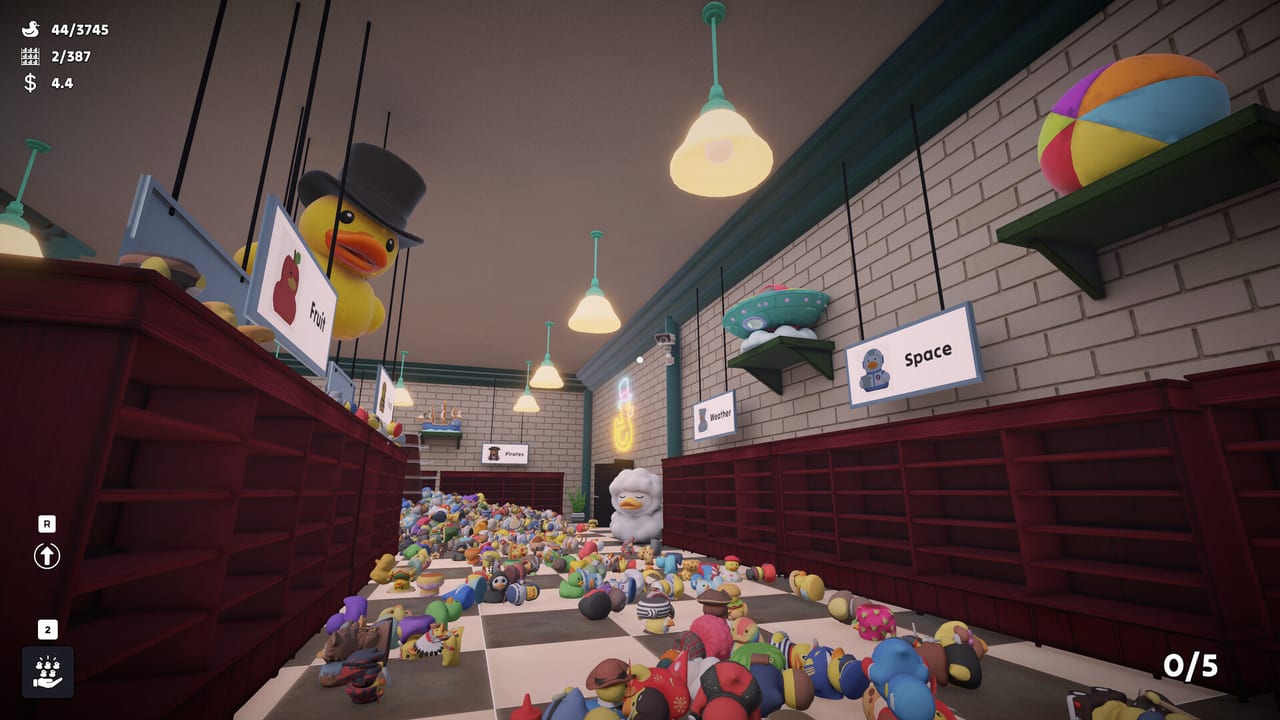
The upgrade menu in Sort Them Ducks appears the moment you have enough coins to make a mistake. This planner is the upgrade order page compressed into ticks. Check a row when you own it. Leave timed skills unchecked until commute time is no longer your enemy.
Suggested spend order
Buy from the top down unless a skill already solves the exact wall you hit.
How to use it mid-session
Alt-tab when the menu is open, not while you hold a mixed handful. Tick carry ranks as they land. If Patch 1 refunded your abilities, untick the skill rows, keep carry if the shop still feels roomy, and buy again from the top. Official news said the refund happens once.
Do not tick a skill because you saw it in a trailer. Tick it when the timer has actually sat on your bar. Skills explains what each one does so the planner does not have to.
Why the order is stubborn
Five ducks is a tutorial tax. Twenty ducks is a finished economy. Speed without carry is cardio. Skills without carry is a cooldown on a courier job. The planner’s S and A rows exist to keep you honest when a glowing icon asks for attention.
If you already finished the shop once and you are doing a silly run, ignore the ranks. The tool is for the first clear, the one the walkthrough cares about.
What it will not optimize
It will not tell you the exact coin cost. Those numbers can change with a balance patch. It will not spend Steam wallet money. It will not restore a corrupted ability file — patch notes already did that. It will only stop you from buying highlight-matches with your first stack.
When every box that matters is ticked, hide this tab. The remaining upgrades are comfort. The remaining content is ducks.
Spending after a refund or a break
If Patch 1’s one-time refund landed in your wallet, do not buy all three timed skills in one panic. Re-read upgrade order and spend as if you were still in hour two: carry first if the handful still feels tiny, speed if walking is the complaint, reveal if names are the complaint. A refund is a second chance at the same ladder, not a license to skip rungs.
If you took a week off, open this planner before the upgrade menu so yesterday’s “I was going to buy jump” does not steal today’s coins. Jump is rarely the bottleneck; missing ducks and high planks usually are. Spend, place twenty toys, then reopen the planner. Impulse buys feel good for ten seconds and then you are back in the aisle with the same five-duck hand.
Comfort ranks are still optional
Sprint, crouch, jump, and zoom sit at the bottom because they polish a loop that already works. Buy jump when top rows fight you, not because the icon glows. Buy zoom if signs are hard to read from spawn, then remember movement warns that zoom can stick — Patch 1 fixed the FOV leftover, but a stuck feel is still a reason to tap the control twice.
The planner will not argue if you invert the list for a joke run. It exists so the first clear does not waste the only coins that matter. When carry sits near twenty and you still open this tab, you are procrastinating. Close it. Sort. Check performance only if the image is the actual problem.
Frequently Asked Questions
Quick answers to the questions players ask after a long sorting session.
Is this a different order than the upgrade guide?
No. Same list, fewer paragraphs. Carry, speed, reveal, highlight, fill-from-hand, then comfort.
The ticks vanished.
They live in this browser. Clearing cookies or using another device starts a blank planner. Your Steam upgrades are unchanged.
Should I untick after the refund hotfix?
Untick skills if you have to buy them again. Leave carry ticked if you still hold a big handful.
Can I finish without ticking anything?
Yes. The planner is optional. The shop does not read this page.
What if I already bought skills first?
Keep playing. Put the next coins into carry. The refund hotfix is not a reason to reset the whole save.
Does the planner know my coin total?
No. It is a reminder list. In-game prices can change. Tick what you own, not what you can afford this minute.